
Where are the controls and instructions for my model?
Check the exact name printed on your box. The H6 quick start guide and full manual below apply to H6 PureHear.
Start with the quick guide
Use the labeled diagrams for your model to identify the left and right devices, case and controls.
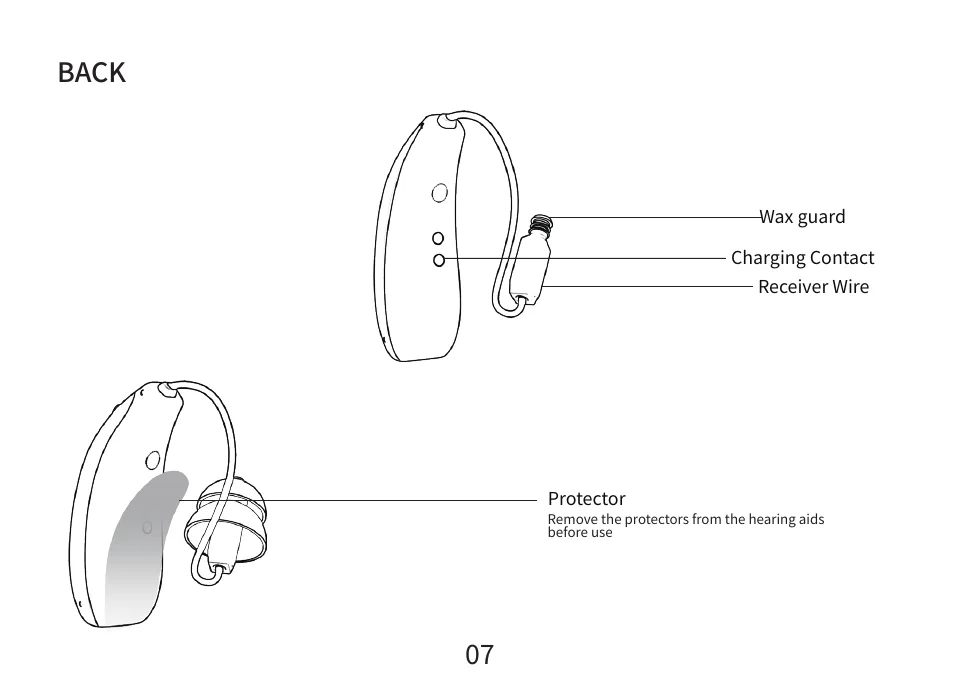
Use the full manual for operating details
Check the specific section for the function you need before pressing or holding controls. The H6 manual should not be used as a B02 button map.
Ask for a model-specific explanation
For B02 Comfort or Comfort Pro, include the label and the action you want to perform. Request a text description if the diagram is hard to read.
Still need help?
If the device does not respond, note the control used, device side and indicator you observed.